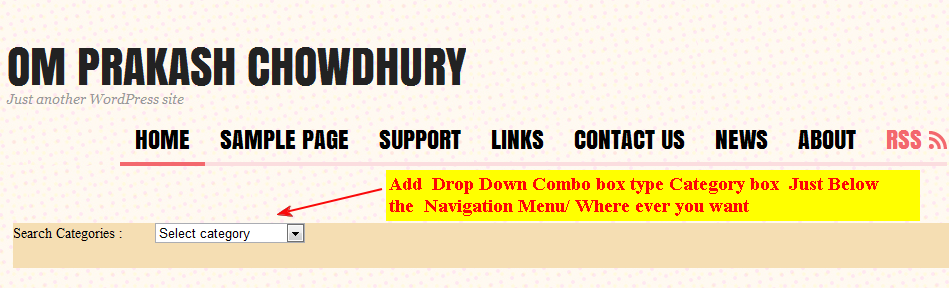
In my Last post I have tried to show you how to modify the CSS of Theme Neutra and Theme Beach. Today I am sharing you about the CSS style sheet Modification of theme MistyLook by Sadish.
Here I have tried to show you about the very basic and important CSS Modification of the Blog Post Content, Site Title,Site Description’s Font type,font color and size. Also, I have included how to hide or remove Navigation menus,Leave a reply,Comments,Right SideBar, Footer Tag,Search Bar etc. You will also learn about how to increase the Blog Post Content width by using CSS.
Need Help on CSs ? Put your question with your website name in the comment box below.
You may also like to check the followings
1. WordPress.com Visitor Tracking :Know who is visiting your site
2. WordPress.com Flick Flash Gallery: Show your flickr photos to your readers
3. WordPress.com animated Photo gallery : Show your images stored in WordPress with WordPress animated photo gallery
4.WordPress.com Visitors Flag : Where from your users visiting you.
5.WordPress Free Blog Favicon Icon : Show Your Favorite images on the addressbar.
6.WordPress Unicode Font Support: Learn How to Write and Use Unicode Font in WordPress.com free blog.
Like this:
Be the first to like this post.
WordPress.com Free blog Tricks and Tips:How to post or Show HTML/PHP Code in Comments section /Blog post,Mouse Over hover effect or Tooltip on abbreviation or specific word and Block Quote to show quotation||Use of blockquote,sourcecode and abbr
April 4, 2011 Leave a comment
This post is related to some basic WordPress.com free blog tips which will help you
to know some important tricks for your better blogging experience.
1st Tricks:Have you ever faced this problem before where you were trying to post or show HTML/PHP or any other code in your blog post or in reply of Comments.
Here I am showing you How to do it.
For Example: If you want to show the code about how to change change your blog post font,font color and size
Read more of this post
Like this post?
Like this:
Filed under WordPress Tricks Tagged with Blog post, Comments section, Mouse Over hover effect or Tooltip on abbreviation, [sourcecode] and