I was using wordpress-ubuntu-s-1vcpu-1gb-blr1-01 ( WordPress on Ubuntu 1 vcpu, 1 gb ram) using digitalocean droplet.
Though i am new of using DigitalOcean droplet, i am much familiar with Cpanel type hosting, where i managed files and databases by own. But in DigitalOcean wordpress droplet I didnt get such option.
So, after doing Client’s work, i reset the whole wordpress using Wp Reset Plugins https://wordpress.org/plugins/wp-reset/
But faced issue to change Client’s mail address from WordPress Dashboard > Settings> General > Administration Email Address
Before i did this change (administration email change) from wp_option database table.
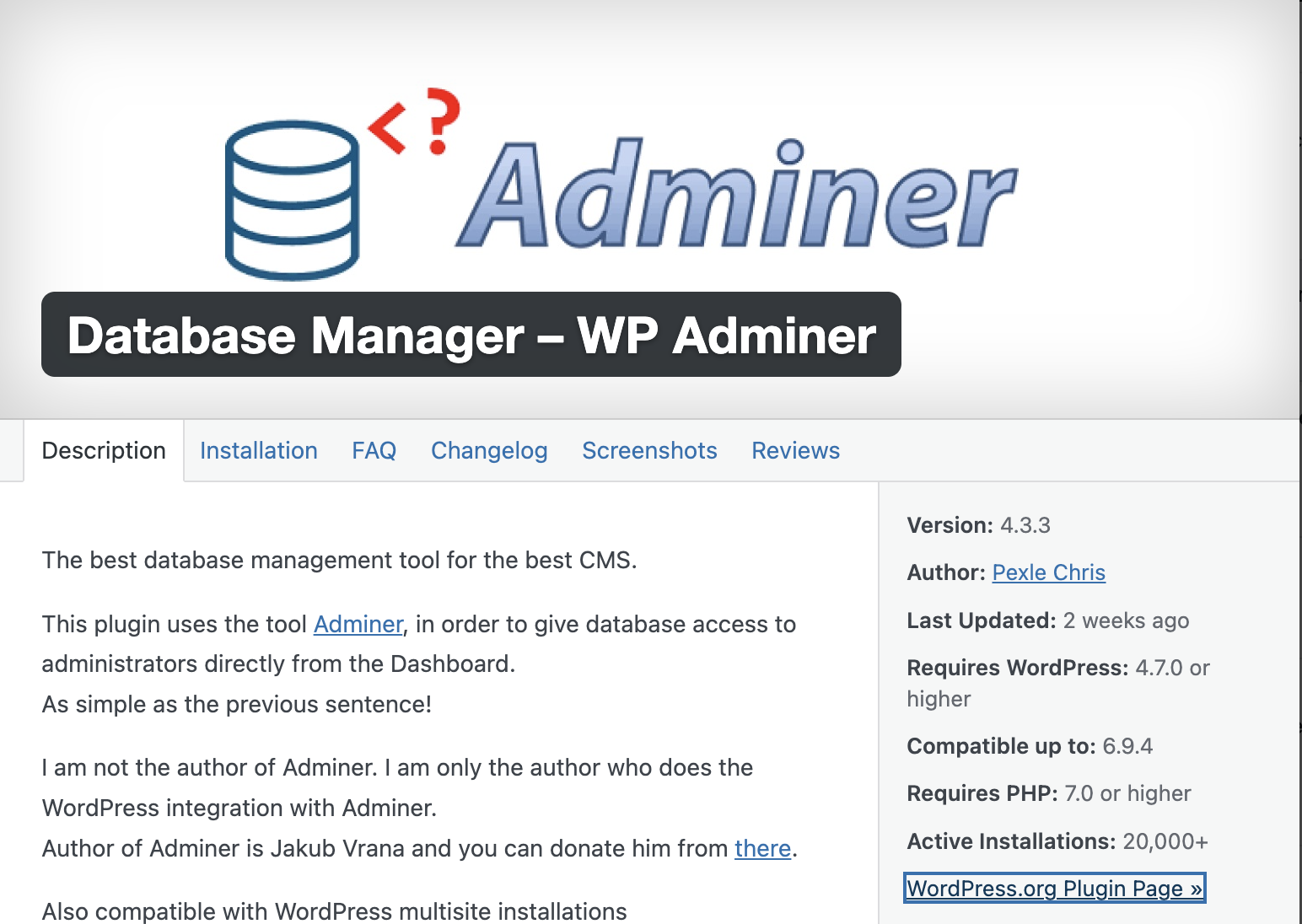
As i didnt get option in Droplets to access database directly, I got a beautiful plugins Database Manager – WP Adminer By Pexle Chris https://en-gb.wordpress.org/plugins/pexlechris-adminer/
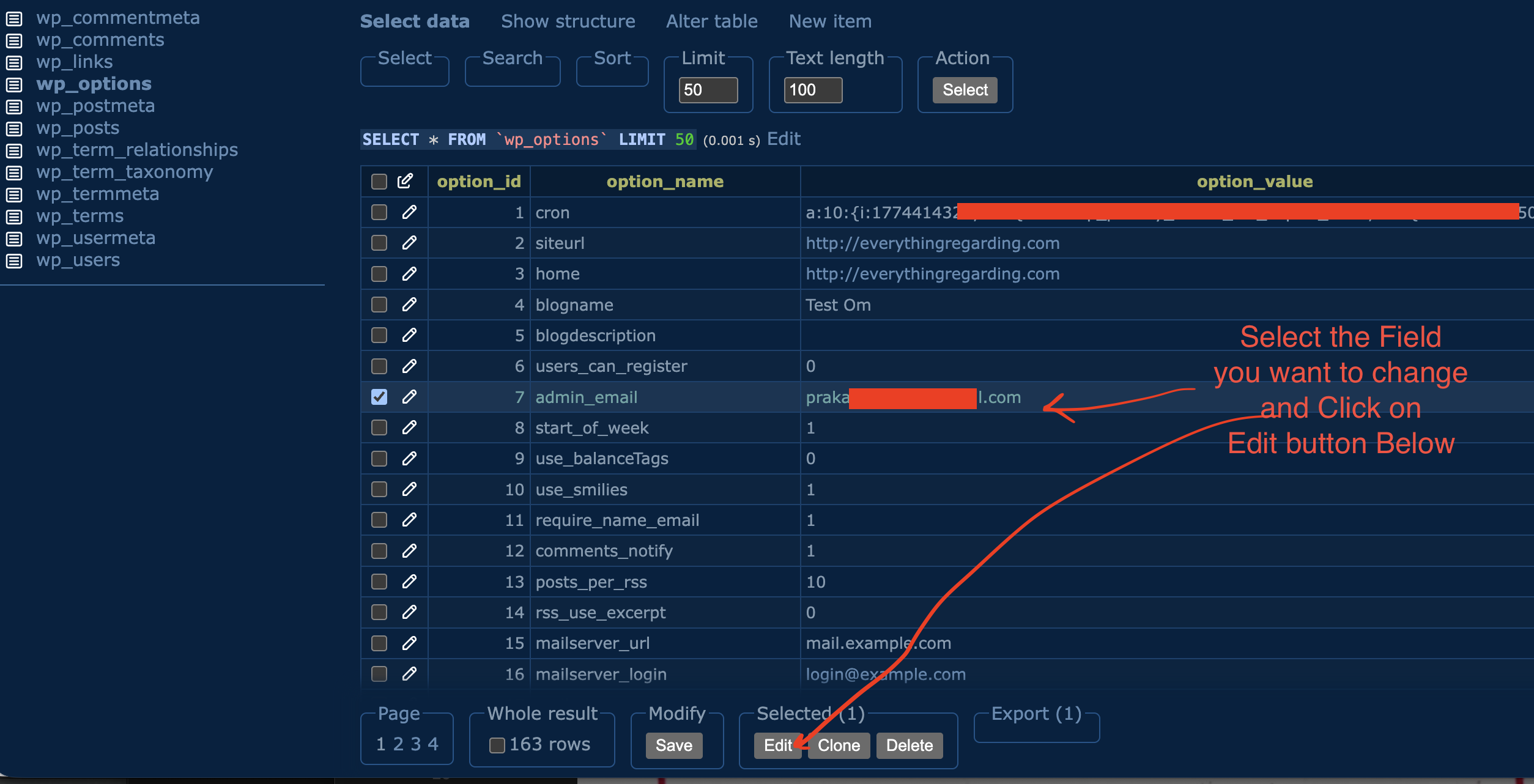
Using the plugins i got able to modify the database table directly from wordpress dashboard. I have attached screenshot here for better clarification
Steps to follow:
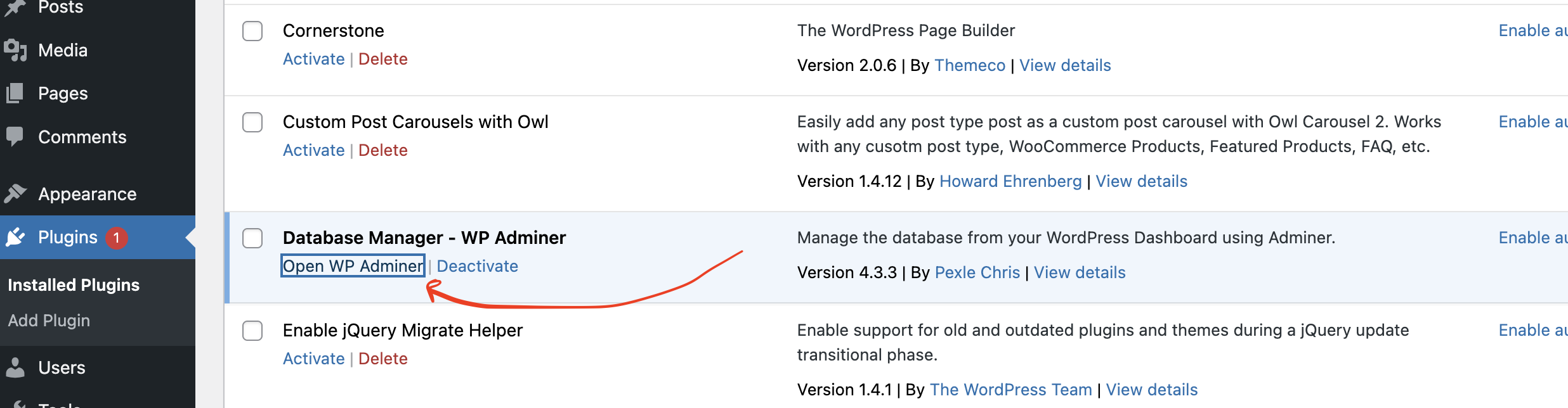
- After installing the plugins click on Open Wp Adminer
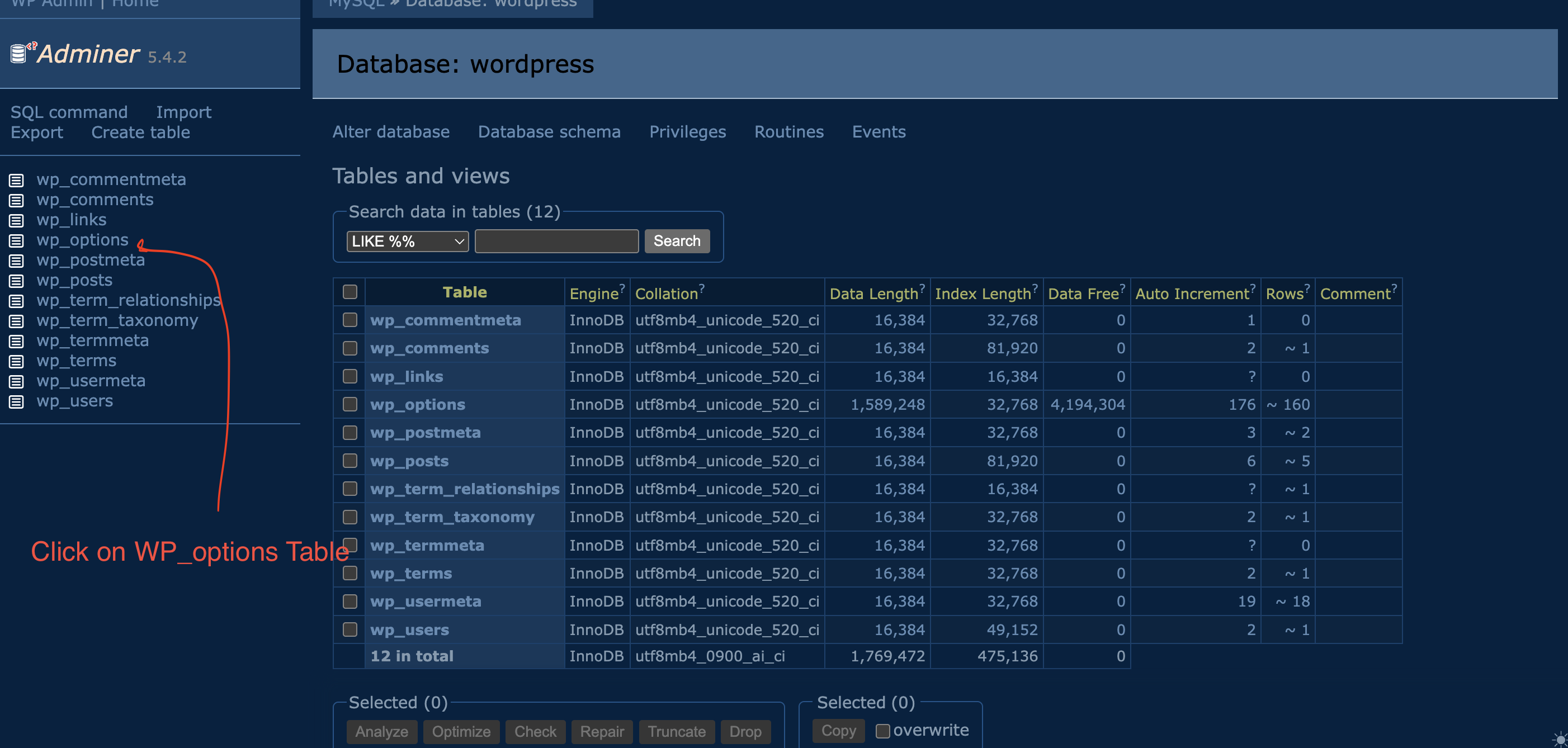
2. In the opened window click on Wp_options table
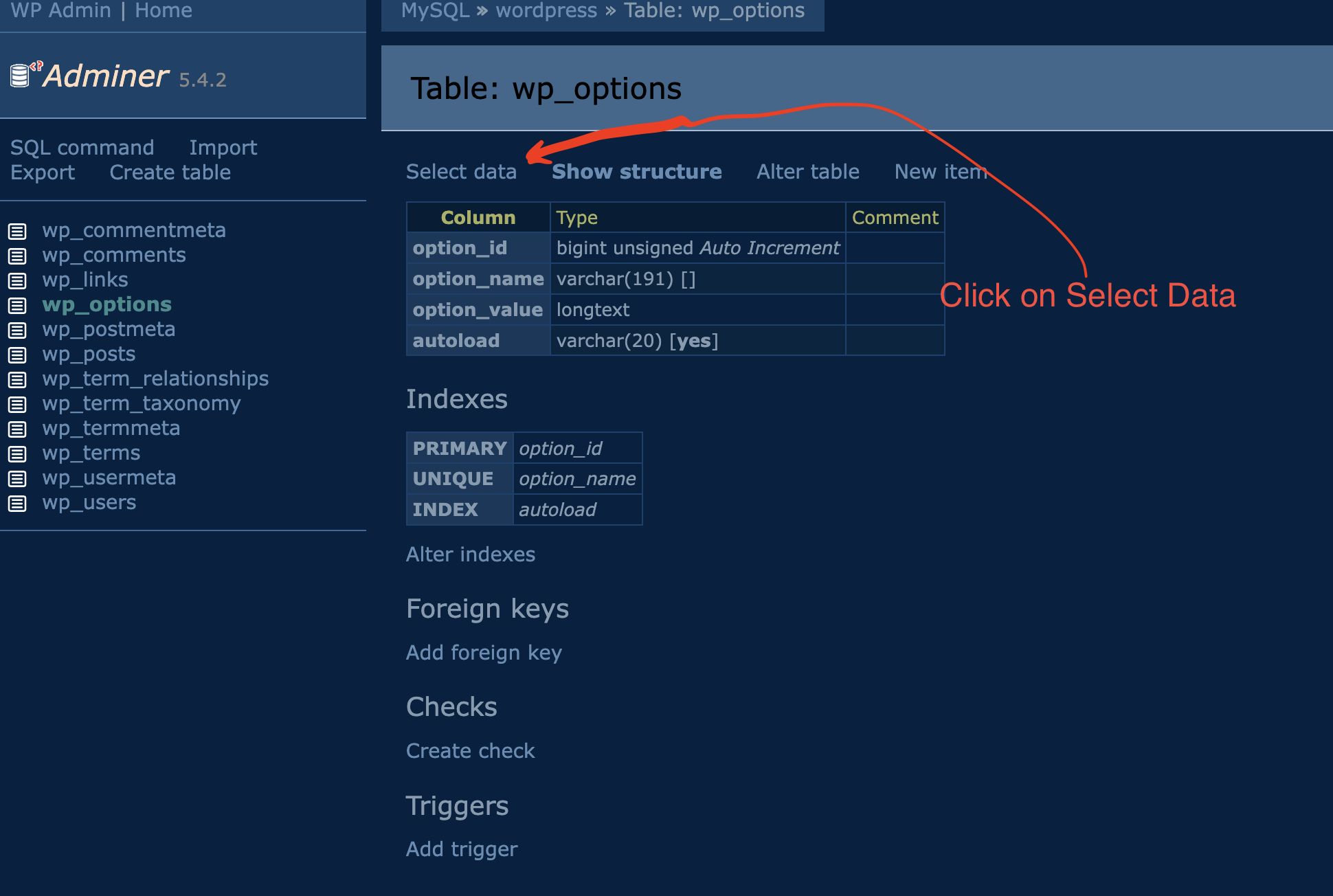
3. Click on Select Data to see the data stored in Wp_options table
4. Then Select admin_email field or the field you want to change and click on Edit button below.

 All About Basic