Do you have a dog or cat at home? Do you love them and want to share your journey with the world? Whether you’re a first-time pet owner or a seasoned animal lover, building your own pet website is easier than you might think — and today I’m going to show you exactly how to do it for free using WordPress and the Blogus theme.
I’ve already built a complete demo website called Pet Lover — a website for pet owners — and I’m sharing the full website file for free so you can install it on your own hosting and start publishing in minutes.
What’s included in this free Pet Lover WordPress demo?
The demo website I built includes four fully-designed pages, ready to customize:
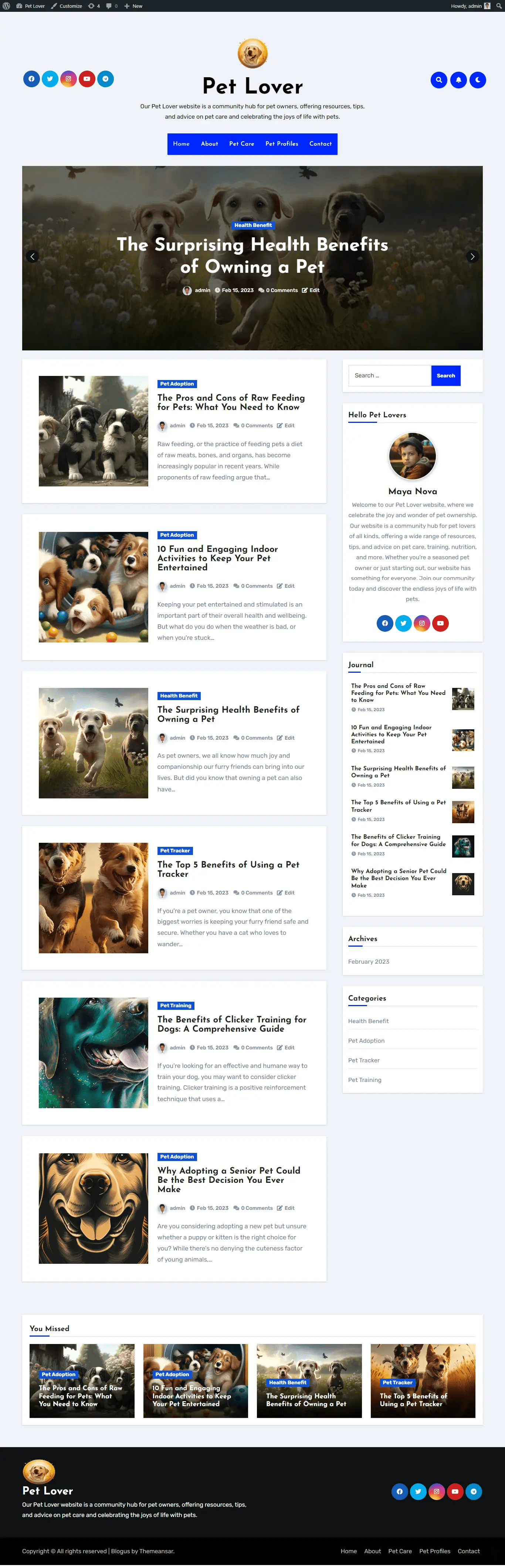
Homepage : Featured articles, hero banner, category posts, and sidebar journal ( screenshot attached)
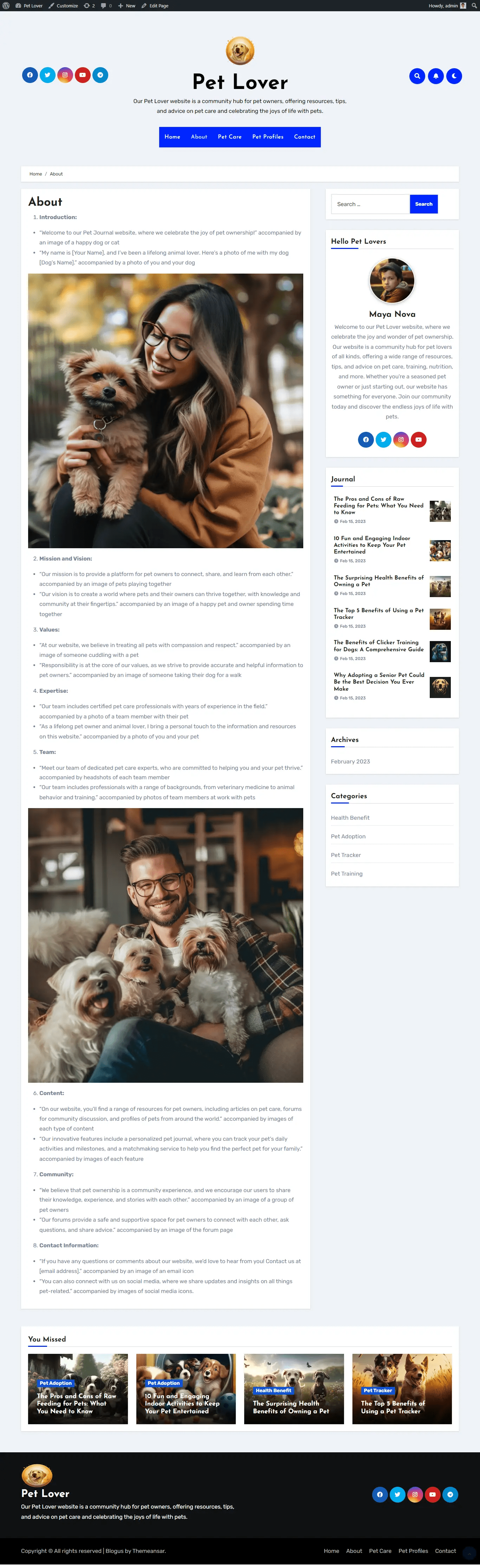
About page : Introduction, mission, team, community values, and contact info
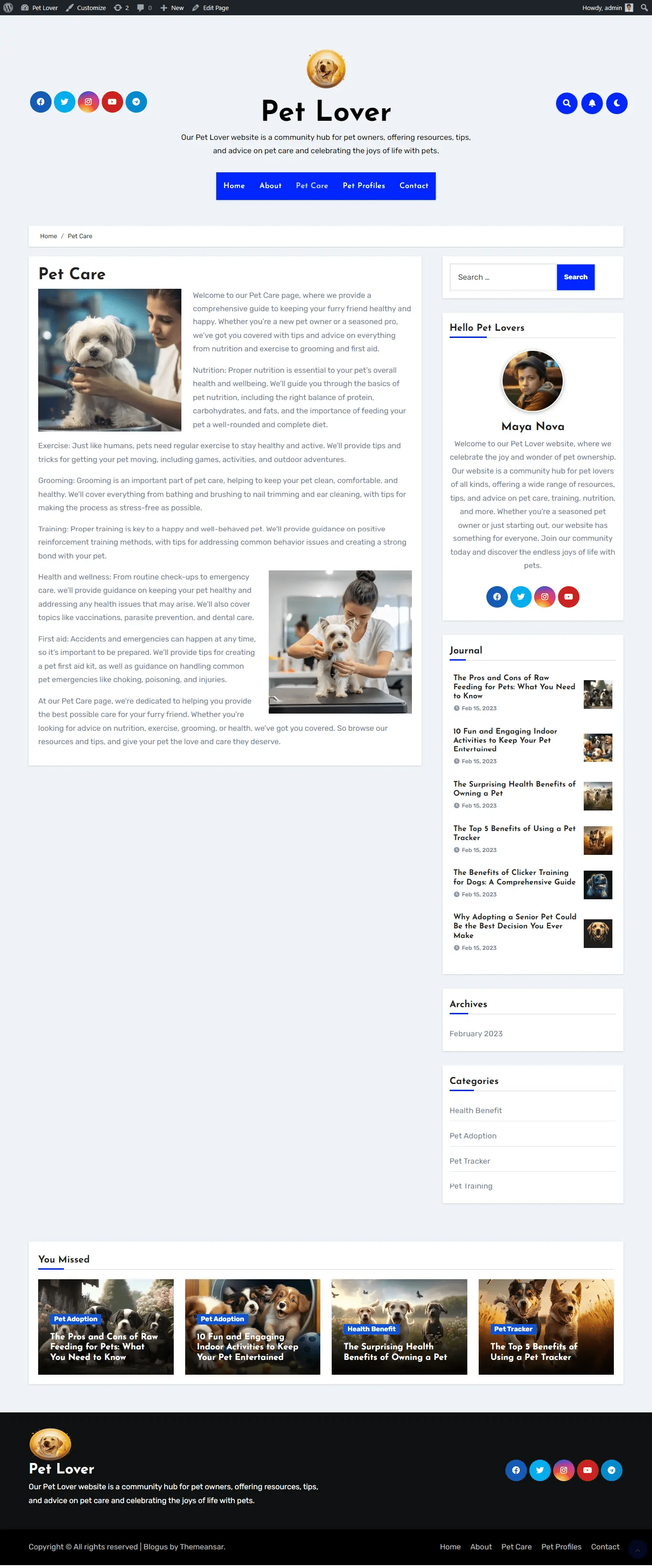
Pet Care page : Nutrition, exercise, grooming, training, health, and first aid guides
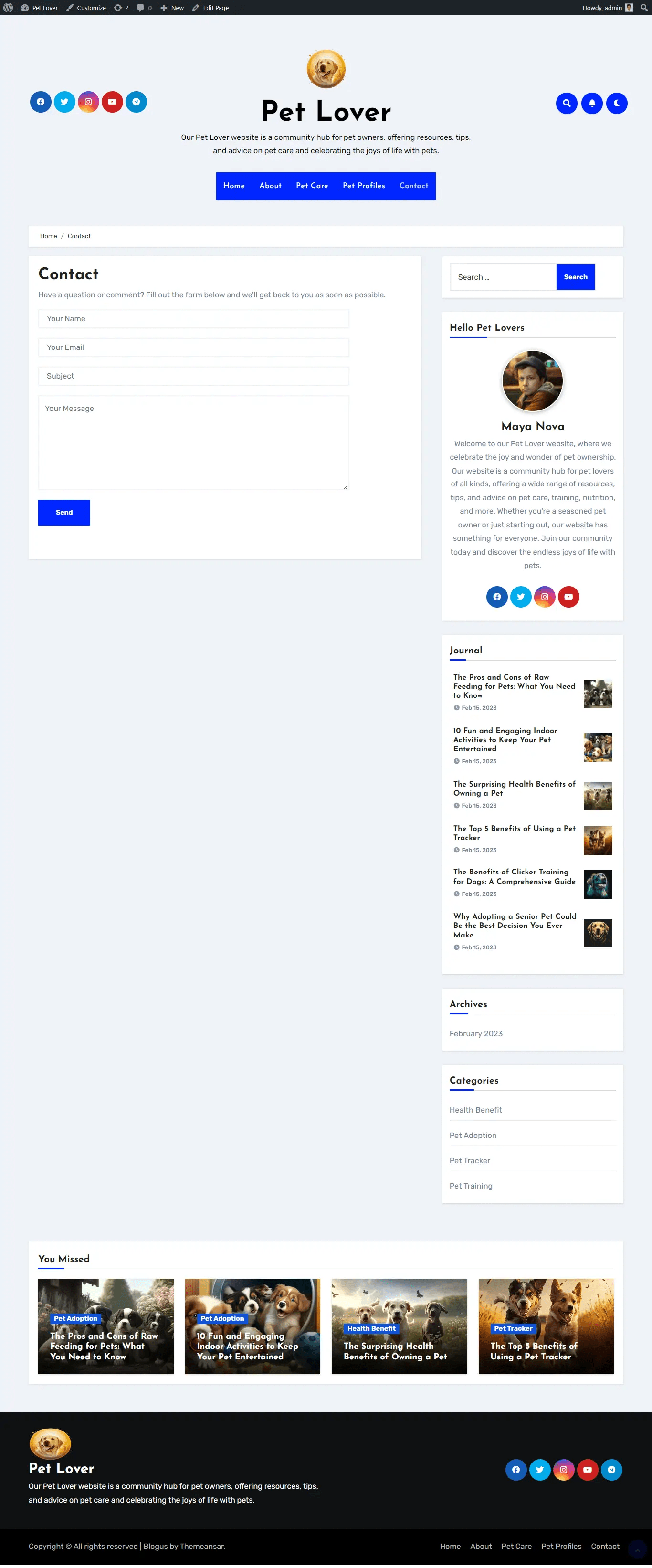
Contact page : Working contact form with name, email, subject, and message fields
How to install and use this free pet website
Follow these steps to get it running on your own domain:
1 Download the demo file — click the download link below to get the .wpress export file.
2 Install WordPress on your hosting provider (Hostinger, Bluehost, SiteGround, etc.).
3 Install the “All-in-One WP Migration” plugin from the WordPress plugin directory (it’s free).
4 Go to All-in-One WP Migration → Import, upload the .wpress file, and click proceed.
5 Customize the content — replace the demo text, photos, and branding with your own pet’s name, photos, and story. Here you can see Blogus free theme.

 All About Basic