If you have thurst of Photography and want to show your clicked images to the world then Photographer theme by organic theme is for you. It is a premium theme of wordpress and if you are blogging to wordpress.com then u can purchase it from wordpress.com premium theme store. So, if you are searching for a Photographic theme, then you can use it. I have shared here some CSS Modifications to give the Photographer theme a new look as your own. You can use my shared code and ask question in the comments section.
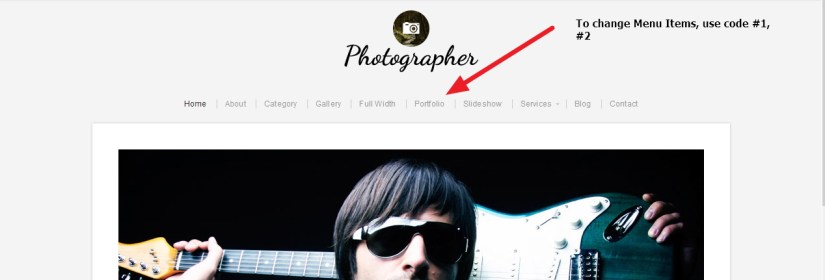
1. If you want to change the font family, color, size of Menu items in Photographer By Organic Themes.
**** i have shared same code in #2 for changing selected or current menu items.
.menu a {
color: #999999 !important;
font-size: 16px;
font-family: cursive !important;
}
*** if you want to change the border color and thickness showing in menus
.menu a {
border-left: 3px solid #222;
}
2. IF you want to change the Selected or Current menu item’s font color,size and font family in Photographer Themes.
#navigation .menu .current_page_item a, #navigation .menu .current_page_ancestor a, #navigation .menu .current-menu-item a, #navigation .menu .current-cat a {
color: red !important;
font-family: cursive;
font-size: 16px !important;
}
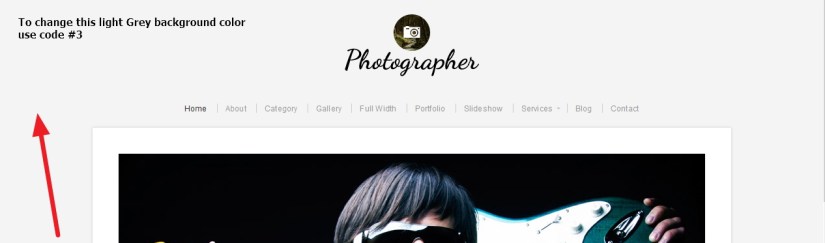
3.To change the background color of Photographer By Organic Themes
body {
background: #F4F4F4 !important;
}
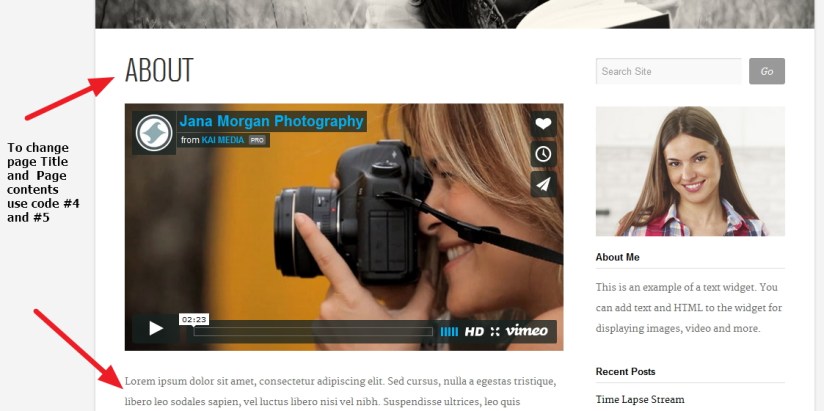
4. If you want to change Single Page or Posts Heading or titles font color, size and font family use this code
.headline {
font-size: 3em;
line-height: 1.4;
font-family: times new roman !important;
color: darkred !important;
}
5.If you want to change Individual / Single Page or Posts content’s font color, size and font family in Photographer By Organic Themes.
.postarea {
color: black !important;
font-family: cursive !important;
font-size: 15px !important;
}
6.If you dont want to show comments in pages in Photographer theme.
.page .postcomments {
display: none !important;
}

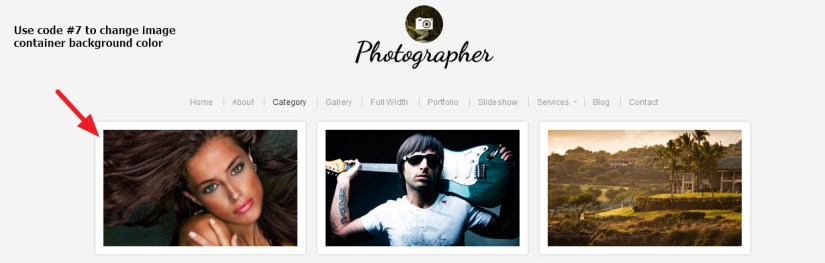
7.If you want to change category / archive page image container background color.
.archive .postarea.portfolio {
background: darkRed;
}
8. If you want to change Gallery page image background / border color in Photographer By Organic Themes use this css code
.gallery img {
background: olive !important;
}
9. If you want to change Gallery page image hover background / border color in Photographer theme
.gallery img:hover {
background: darkred !important;
}

10.In your blog page, if you dont want to show Post date
.blog .post-date {
display: none !important;
}
OR
11.If you want change the blog post date font size, color and font family
.blog .post-date {
color: black !important;
font-size: 14px !important;
font-style: italic;
font-family: cursive !important;
}
12. If you want to change Blog page post title’s font-family,font size and color
.blog .headline a {
color: darkred !important;
font-family: cursive !important;
font-size: 29px !important;
}
13. To change blog page post title’s hover color
.blog .headline a:hover {
color: olive !important;
}
14. If you want to change blog page post’s font color, font size and font family
.blog .container.blog .postarea {
color: black !important;
font-family: cursive !important;
font-size: 15px;
}

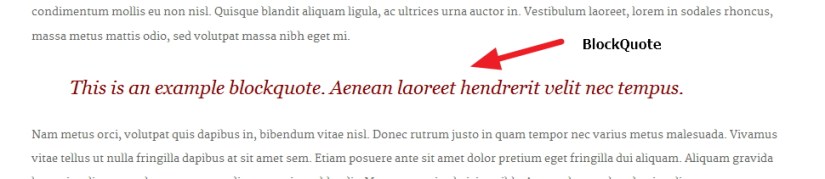
15. To change Blockquote’s font family, font size, color etc use this code
blockquote {
color: darkred;
font-family: Georgia, “Times New Roman”, Times, serif;
font-size: 22px;
font-style: italic;
line-height: 30px;
}
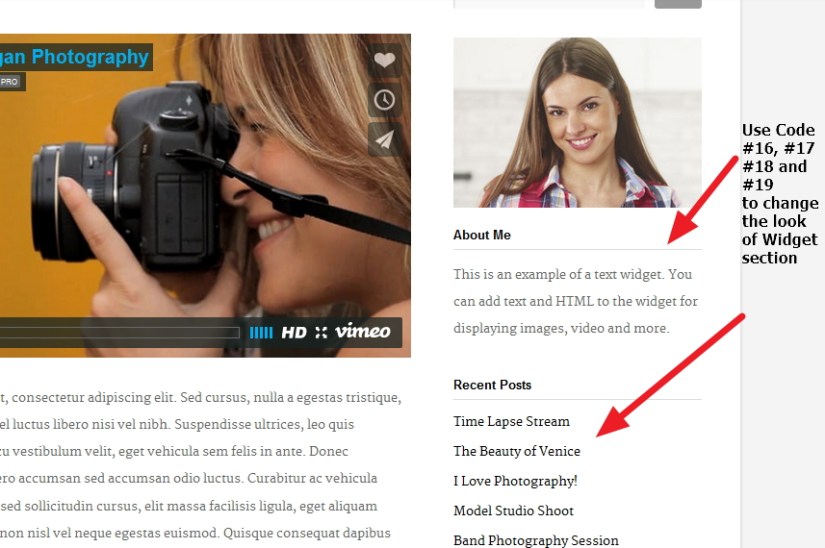
16.If you want to change sidebar widget title’s font color, size, font family
.widget .title {
font-family: ‘Helvetica Neue’, Arial, Helvetica, sans-serif;
font-size: 1em;
font-weight: bold;
color:darkRed !important;
}
*** If you want to change the border color or thickness showing below the widget title
.widget .title {
border-bottom: 1px solid darkRed;
}
17. If you want to change sidebar widget links font color size and font family
.widget ul li a {
font-family: times new roman;
font-size: 15px !important;
color:darkRed !important;
}
18. If you want to change the hove link color of sidebar widgets
.widget ul li a:hover {
color: darkblue !important;
}
19. If you want to change the Normal text (except link) font color, font family and size in Photographer theme
.textwidget {
font-family: cursive;
color: #222;
font-size: 14px;
}
If you have any issue feel free to ask me question here in comments section

 All About Basic