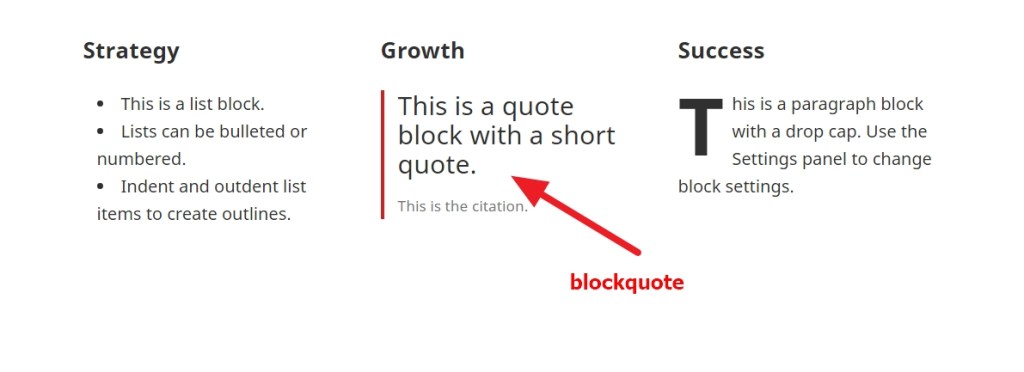
To change Font size, color and font family of BlockQuote in Gutenberg Editor
blockquote.wp-block-quote, blockquote, blockquote p {
    font-size: 23px !important;
    color: darkred !important;
    font-family: cursive !important;
    font-style: italic !important;
    text-transform: uppercase;
    line-height: 27px !important;
}
To change header ( say h5) font size, color, italic style, uppercase and more in Gutenberg Editor
.wp-block-column h5 {
    font-size: 20px !important;
    color: darkred;
    font-family: cursive;
    text-transform: uppercase;
    text-align: center;
    font-style: italic;
    border-bottom: 2px solid red;
}
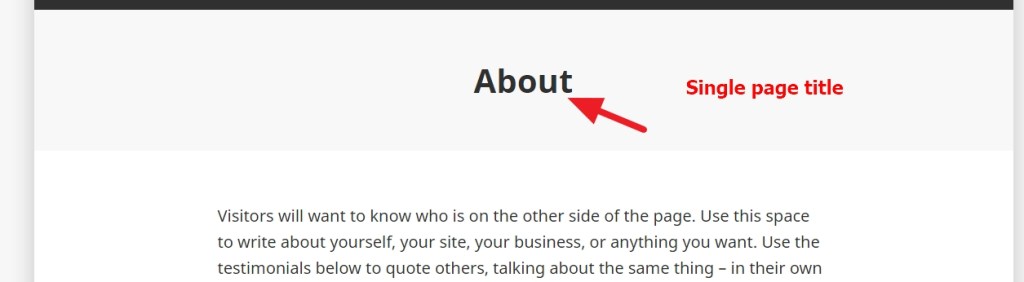
In Single page if you want to change the Page Titl’e font size, color, uppercase , alignment in Gutenberg Editor ( applicable for single post too)
h1.entry-title {
    font-size: 27px;
    color: darkred !important;
    font-family: cursive !important;
    font-style: italic !important;
    text-transform: uppercase !important;
    text-align: center !important;
}

 All About Basic