
The Default font which shows in Visual Editor font size dropdown is 8px 10px 12px 14px 16px 20px 24px 28px 32px 36px 48px 60px 72px 96px.
Continue reading “Add additional font size in WordPress Visual Editor ( Tiny MCE Editor)”Simple Web Development tips & spiritual observations
The Default font which shows in Visual Editor font size dropdown is 8px 10px 12px 14px 16px 20px 24px 28px 32px 36px 48px 60px 72px 96px.
Continue reading “Add additional font size in WordPress Visual Editor ( Tiny MCE Editor)”Here I am sharing you template file and the related functions.php file code to register a wordpress user ( user role is Editor)
The template is doing the following to register a new wordpress user
Generally , due to this code $wp_query->set(‘author’, $current_user->ID); the custom fields of Advanced Custom Fields ( acf ) got hidden. So i have used this following code to solve the issue. So if you use this code in function.php or using code snippet plugins, Author can see only his uploaded images instead of all users image.
 function restrict_author_media_library($wp_query) {
    if (  $wp_query->get('post_type') == 'attachment' && current_user_can('author')) {
        $current_user = wp_get_current_user();
        $wp_query->set('author', $current_user->ID);
    }
}

add_action('pre_get_posts', 'restrict_author_media_library');
If you want your Client ( user role created) or Editors to be redirected to different urls while they logout, use the code i shared below. Just change the urls in the code and paste it in your child theme’s function.php or use Code Snippet Plugins.
Continue reading “Based on User Role ( subscriber , editor) redirect to different url or login page During Logout action”
In the screenshot you can see the Post Object in ACF and Field Name is “region_id”.
That drop down ( Region) I have to auto select or populate based on other field ( Country) .
Continue reading “ACF post object drop down value auto populate or selected based on other field value”Suppose you want to show specific post content into your homepage or any other page or in sidebar using shortcode, using the code i shared below you can do it. The shortcode works like this [copy_post_content id=”YOUR POST ID”].
Continue reading “Show Specific Post Content into a page or sidebar using Shortcode and Post ID”This is the way I added a Paypal button in a wordpress site and Redirect it to the Paypal Payment Page ( by auto clicking the paypal button) while the Contact Form 7 form mail sent/form submission.
Continue reading “How to show Paypal Buy Now, Cart, Donate or Subscribe button in your wordpress website and Redirect to Paypal page after successful Contact form 7 submission”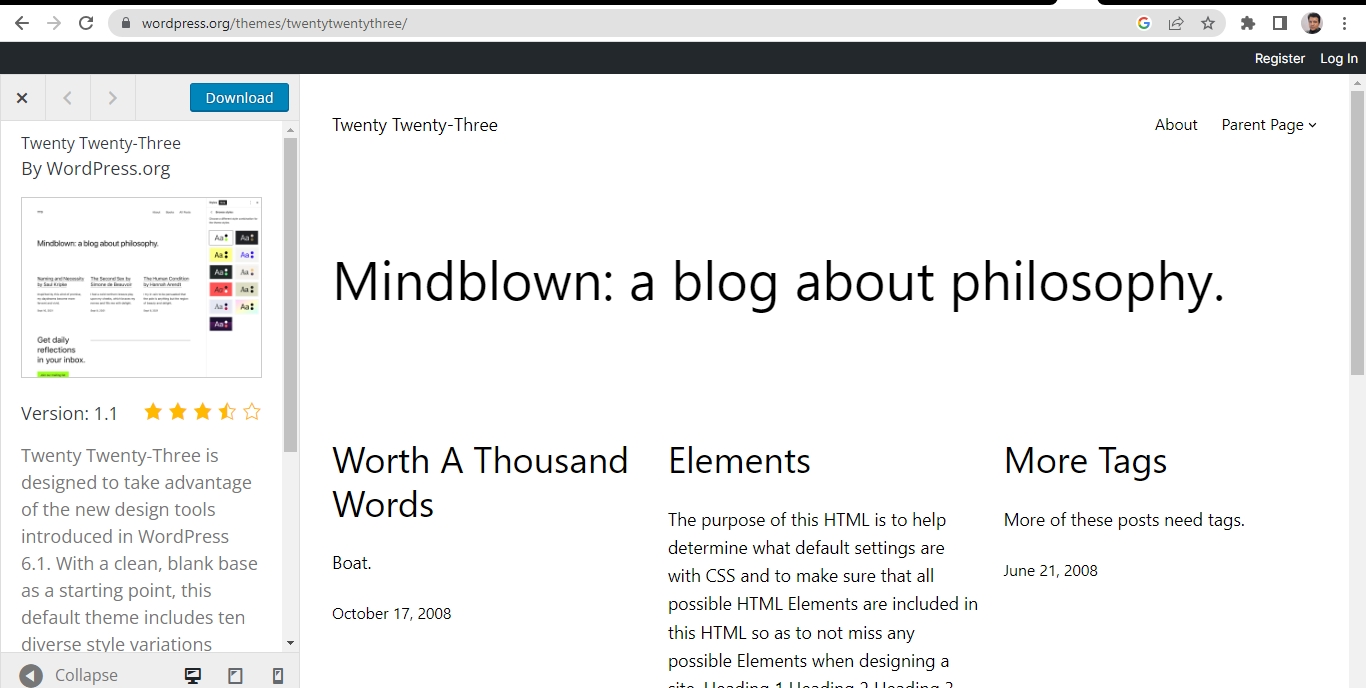
In this 4 Minute small video I have tried to show how to customize the header section of WordPress website built with the Twenty Twentythree theme and block editor. If you are using wordpress block editor theme like 2023 theme, In this tutorial, we’ll walk you through the process of adding a logo, a navigation menu, and a contact number to the header.
Continue reading “How to add logo, menu and Contact number in header using Block Editor or in wordpress twenty twentythree (2023) theme : 4 minute Video”
Here I am sharing you a free demo wordpress website which you can use to create your own website for your pet dogs or cats.
Basically it depends on your passion or love for your pet.
The theme which I used here is free theme Blogus. Please Download Pet Dogs/Cats free WordPress based website. You will need to use All in One Migration plugins to install/use this website.
Here is how the pages may be looked
Continue reading “Free WordPress based website for your pet Dogs or Cats” All About Basic