1. How to install Avada theme Demo in my hosting?
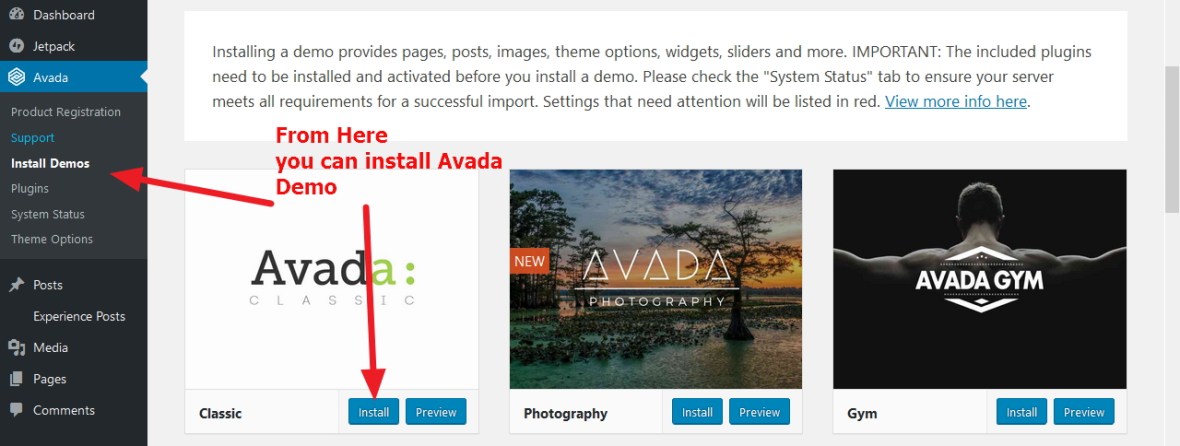
Answer: After installing wordpress and Avada theme go to your Dashboard > Avada > Install Demo and you will get the various demos of your choice..just click on install button and it will be installed in your Avada theme … please check the screenshot
Attache Theme Customization Guide (Press75) – CSS Tweaks & Styling Tips
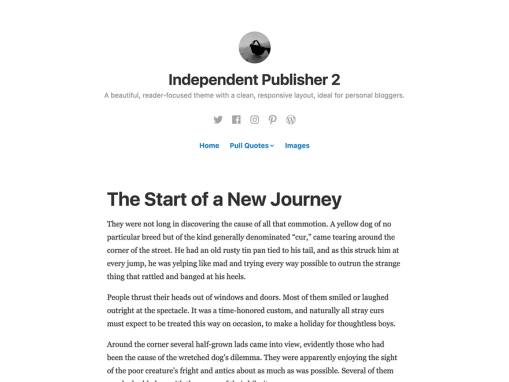
Attache by Press75 is a clean and stylish infinite scrolling theme, perfect for bloggers and storytellers. It features a Pinterest-like grid, uses unique layouts for supported post formats. Sticky posts in this theme are displayed at twice the size of regular posts, giving them an extra visual boost.
You can use my shared code and ask question in the comments section.
Continue reading “Attache Theme Customization Guide (Press75) – CSS Tweaks & Styling Tips”
Health, Wellness and Yoga based wordpress Karuna theme: css style modifications and documentation
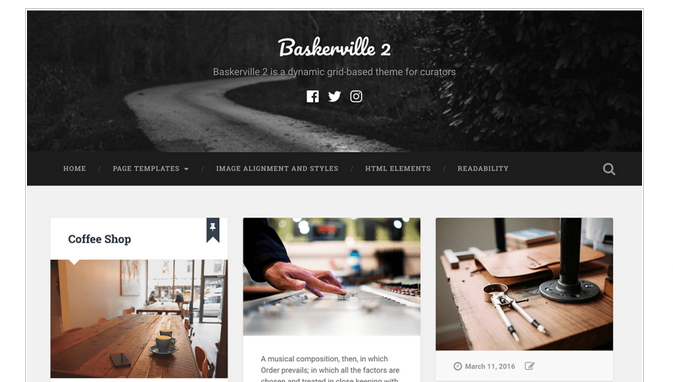
Karuna is a clean business theme designed with health and wellness-focused sites in mind. With bright, bold colors, prominent featured images, and support for customer testimonials, your business’ brand will shine with Karuna. If you are an Yoga instructor..this theme is for you :). You can check the Karuna theme demo.
You can use my shared code and ask question in the comments section.
Continue reading “Health, Wellness and Yoga based wordpress Karuna theme: css style modifications and documentation”
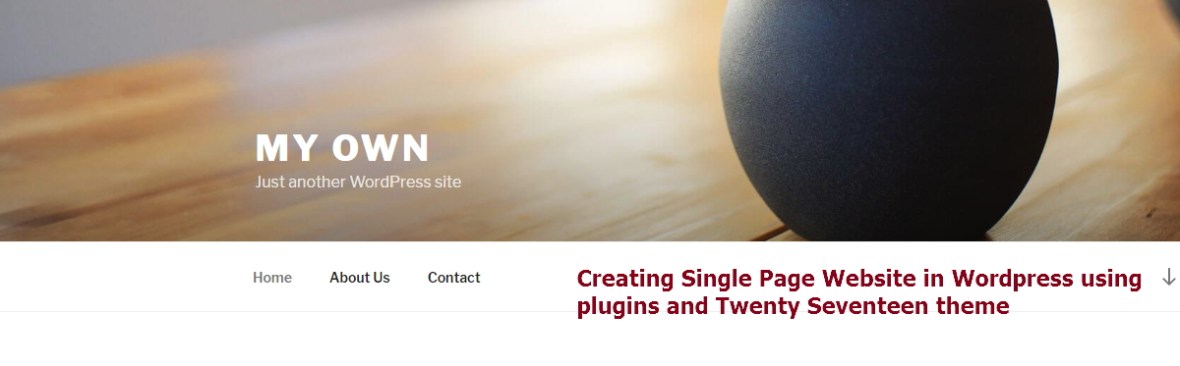
Tortuga By ThemeZee Modifications and Documentation

Tortuga is a flexible and adventurous WordPress theme for your magazine, personal blog, or any news-related website. It supports a grid layout for posts, an optional sidebar, and a beautiful featured-post slider. You can check Tortuga theme Demo.
It is a 2 (two) column premium wordpress.com theme and if you want to build your site using Tortua theme the css styles i shared here will be helpful for you. You can use my shared code and ask question in the comments section.
Continue reading “Tortuga By ThemeZee Modifications and Documentation”
WordPress Theme Gema By PixelGrade Support, Documentation, Modification and Customization

Wordpress.com Theme Gema By PixelGrade is a dynamic grid-based layout inspired and shaped by your content diversity.It is a premium theme of wordpress.com which costs $125.The layout of this theme is little bit Pinterest type. You can see the demo by Gema theme.
So if you are searching to do blog in grid based site you can check Gema theme . Here I have shared the Gema theme modifications using which you give your Gema theme a new look.
You can use my shared code and ask question in the comments section.

Continue reading “WordPress Theme Gema By PixelGrade Support, Documentation, Modification and Customization”
Time Zone issue: Local time to US or Canada (Pacific and Eastern ), Australia and New Zealand time converter using html and jquery
If you are working to convert the local time to US or Canada (Pacific and Eastern ), Australia or New Zealand time then you can use this code. Though using the same code and logic you can convert your local time to any Time Zone specific time.
This code is for advanced users and has 3(three) part. 1) Jquery part 2) HTML part 3) CSS part.
Continue reading “Time Zone issue: Local time to US or Canada (Pacific and Eastern ), Australia and New Zealand time converter using html and jquery”
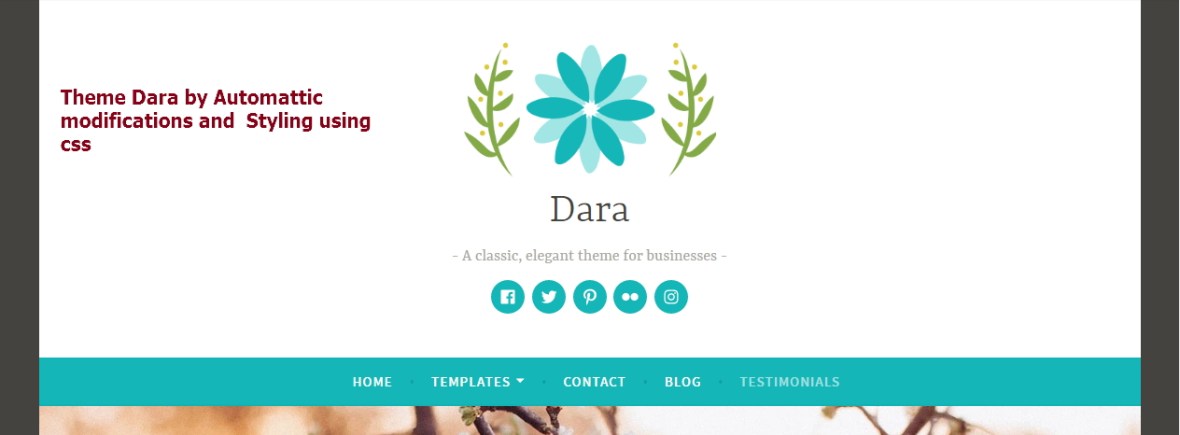
Create website for photographers, artists, and graphic designers using The Rebalance Theme by Automattic :Documentation, Support and customization
The Rebalance Theme by Automattic is a new 3 column theme. You can check the Rebalance theme demo here. Previously I shared Rowling theme Modifications which is a 2 column site. But I showed how to make it 3 columns too ( in the Rowling theme’s comments section).
Here I have shared the Rebalance theme modifications using which you give your Rebalance theme a new look.
Download Rebalance theme by Automattic.
You can use my shared code and ask question in the comments section.
Continue reading “Create website for photographers, artists, and graphic designers using The Rebalance Theme by Automattic :Documentation, Support and customization”
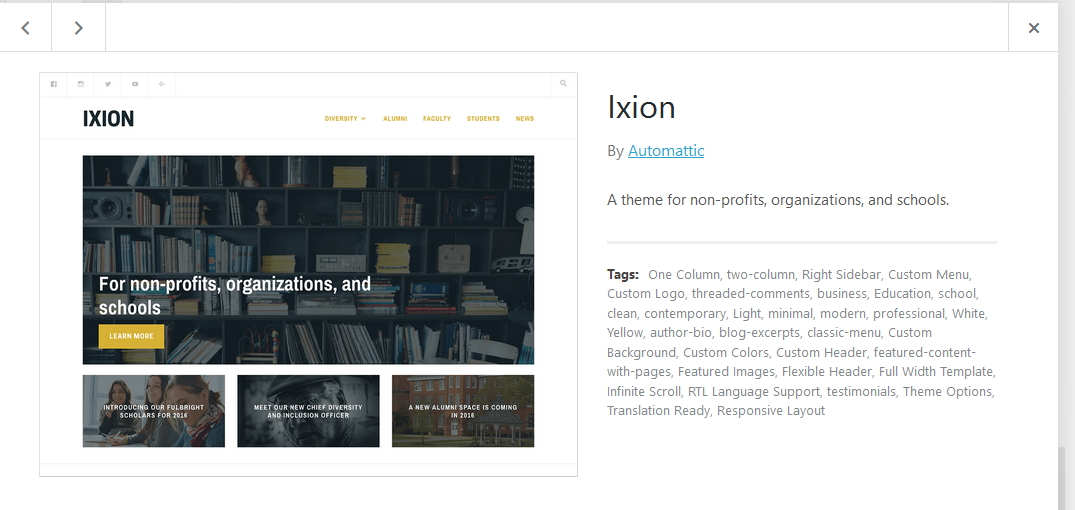
Photographer By Organic Themes Support, Modifications, Customizations, Styling and Documentation
If you have thurst of Photography and want to show your clicked images to the world then Photographer theme by organic theme is for you. It is a premium theme of wordpress and if you are blogging to wordpress.com then u can purchase it from wordpress.com premium theme store. So, if you are searching for a Photographic theme, then you can use it. I have shared here some CSS Modifications to give the Photographer theme a new look as your own. You can use my shared code and ask question in the comments section.
Continue reading “Photographer By Organic Themes Support, Modifications, Customizations, Styling and Documentation”
The Rowling Theme by Anders Norén Modifications : Change header, footer,sidebar,colors and design

Before i shared Full Width and Centralize Header in Twenty Sixteen (2016). Today i am sharing the modifications (using css) of The Rowling Theme by Anders Norén which is a new theme of wordpress.com. It is a cool theme and you can check Rowling THeme Demo. So lets start with the modifications…
1. If you want to change the Header background color of the Rowling theme by Anders Norén
.header-wrapper {
background: #452632 !important;
}
2. If you want to increase Site Title and Site description’s font color, size and font family in the Rowling theme
*** For site title use this code
.site-title {
font-size: 2.5em;
font-weight: 900;
letter-spacing: 2px;
text-shadow: 0 1px 0 #111;
text-transform: uppercase;
font-family: cursive !important;
}
*** For site Description use this code
.site-description {
color: #999;
font-family: 'Merriweather', Georgia, serif;
font-size: 17px !important;
font-style: italic;
line-height: 115%;
margin: 11px 0 0 0;
}
Continue reading “The Rowling Theme by Anders Norén Modifications : Change header, footer,sidebar,colors and design”
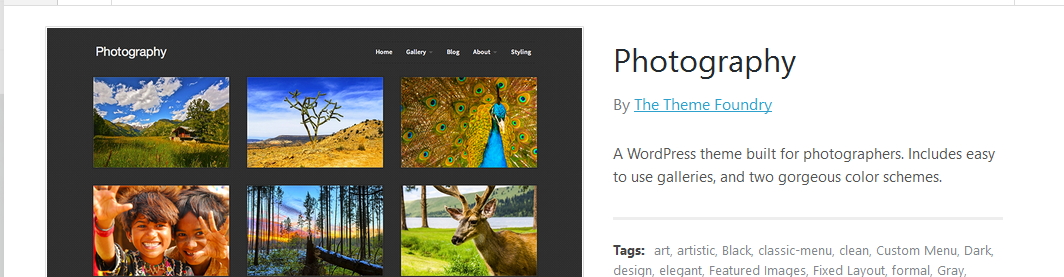
Show Different Div or HTML elements while selecting different Dropdown option : JQuery and HTML
Basically this code is for advance users who have knowledge about HTML and JQuery.
Here i am sharing you the code which you can use for showing different Div (HTML elements) while selecting different dropdown option (HTML “select” tag). If you have any question feel free to ask question in the comments section.
*** JQuery Part
<script>
jQuery(document).ready(function() {
jQuery('select.form-control').change(function(){
var target = jQuery(this).data('target');
var show = $("option:selected", this).data('show');
jQuery(target).children().addClass('hide');
jQuery(show).removeClass('hide');
});
});
</script>